Preferences
This page allows you to enable or disable notification and specify region of interest.
- Sign-in, save your preferences on the server, and stay signed-in when checking potential fires. You are currently not signed in, but you can sign in using the button above.
- Use a special URL (generated by this page) that encodes the preferences. Note that the special URL must be used whenever you are checking potential fires.
Notifications
Check the below if you want to see notifications on your device whenever new potential fire events are discovered. Note the browser may ask you to allow showing notifications. Also note that the notifications are only shown when this site is not running in the foreground.
NotificationsChoose region of interest
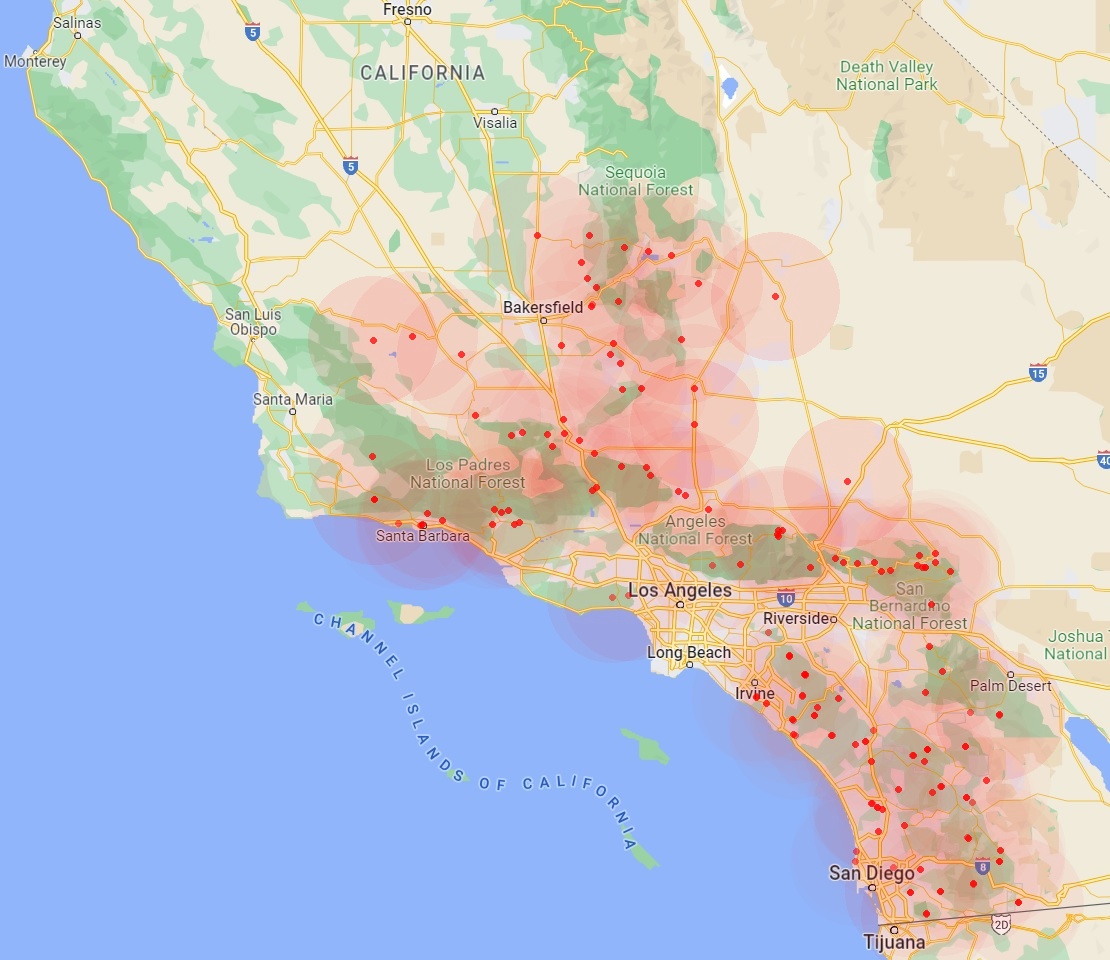
Mark (click and drag) a rectangle on top of the map below to select the geographical region where you are interested in monitoring potential fires. You can restart anytime by marking a new rectangle. When satisfied, click the Save button below the map.
The red dots show the location of the cameras, and partially shaded red circles around each dot represent a 20 mile radius circular region that should be visible from each camera location. Actual visible area depends on terrain occlusions and atmospheric visibility conditions.
You are currently not signed in. To save your preferences on the server, you must sign in using the button at the top of the page.
If you prefer to not sign-in, you can still encode your preferences in a special URL using the `"`Open new tab with encoded URL`"` button below. You may want to bookmark the new tab for the future.
Open new tab with encoded URL